Raycast
A blazingly fast, totally extendable launcher
13 colors
21 components
Inter
Mar 23, 2026
Website Preview
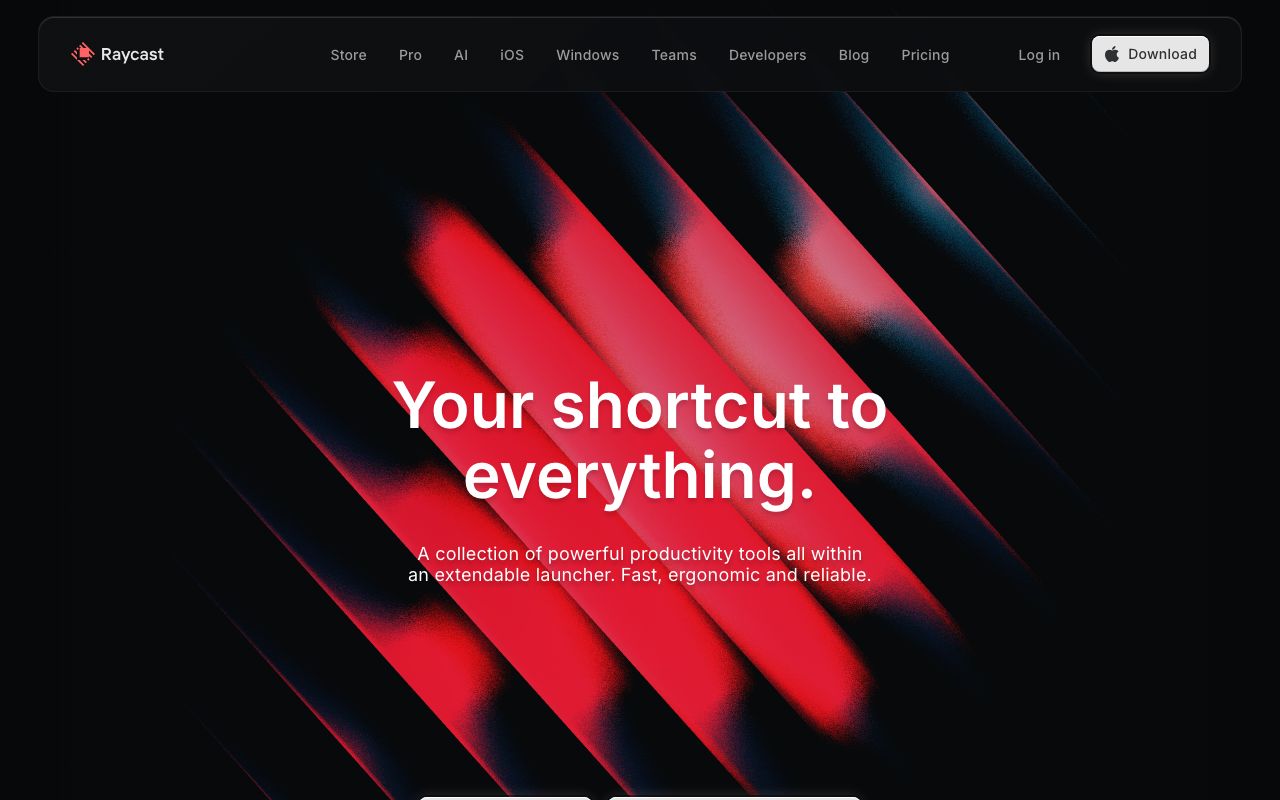
Colors
Primary
#FF6363
Brand red, primary accent
#1A1A2E
App background
#FFFFFF
Primary text
#E4E4E4
Secondary text
#2A2A3E
Input surfaces
Neutral
#1A1A2E
App background
#2A2A3E
Input surface
#33334A
Borders
#888899
Muted text
#E4E4E4
Secondary text
Semantic
#22C55E
Installed state, confirmations
#FF8C00
Error states (orange, not red — red is brand)
#F59E0B
Warning notices
Typography
Inter
Role
SizeWeightHeight
Title
24px7001.2
Heading
18px6001.3
Body
14px4001.5
Detail
12px4001.4
DESIGN.md — Raycast
Overview
Raycast's design system optimizes for speed and delight. A warm red accent on deep navy surfaces creates energy without overwhelm. The interface is designed for keyboard-first interaction with smooth 60fps animations and tight information density.
Colors
Primary Palette
| Token | Hex | Usage |
|---|---|---|
color-brand | #FF6363 | Brand red, primary accent |
color-bg | #1A1A2E | App background |
color-text | #FFFFFF | Primary text |
color-muted | #E4E4E4 | Secondary text |
color-surface | #2A2A3E | Input surfaces |
Neutral Palette
| Token | Hex | Usage |
|---|---|---|
color-navy-950 | #1A1A2E | App background |
color-navy-800 | #2A2A3E | Input surface |
color-navy-700 | #33334A | Borders |
color-gray-400 | #888899 | Muted text |
color-gray-100 | #E4E4E4 | Secondary text |
Semantic Colors
| Token | Hex | Usage |
|---|---|---|
color-success | #22C55E | Installed state, confirmations |
color-error | #FF8C00 | Error states (orange, not red — red is brand) |
color-warning | #F59E0B | Warning notices |
Typography
| Role | Family | Size | Weight | Line Height |
|---|---|---|---|---|
| Title | Inter | 24px | 700 | 1.2 |
| Heading | Inter | 18px | 600 | 1.3 |
| Body | Inter | 14px | 400 | 1.5 |
| Detail | Inter | 12px | 400 | 1.4 |
Spacing
| Token | Value | Usage |
|---|---|---|
space-1 | 4px | Icon-to-text gap |
space-2 | 8px | List item padding |
space-3 | 12px | Result row padding |
space-4 | 16px | Input padding |
space-6 | 24px | Section dividers |
Border Radius
| Token | Value | Usage |
|---|---|---|
radius-sm | 6px | Tags, status badges |
radius-md | 10px | Search input |
radius-lg | 14px | Command palette window |
Elevation
| Level | Value | Usage |
|---|---|---|
shadow-palette | 0 20px 60px rgba(0,0,0,0.6) | Command palette |
shadow-card | 0 4px 16px rgba(0,0,0,0.3) | Extension cards |
Components
Command Palette
- Full-screen overlay, blurred backdrop
- Large search input at top
- Results with icon, title, subtitle, hotkey
- Smooth keyboard navigation with spring animation
Extension Card
- Icon (64px), name, author, install count
- Preview screenshots carousel
- Install button in brand red
Do's and Don'ts
Do
- Design for keyboard-first interaction
- Use spring animations (200ms, no bounce)
- Show keyboard shortcuts prominently
Don't
- Don't use the red for error states (use orange instead)
- Don't make click targets smaller than 32px
- Don't show loading spinners — use skeleton states