Tinybird
Real-time data analytics API
CTAs, active states, run actions
Hover state
Warnings, slow-query indicators
Headings, body
Labels, metadata
Placeholders
App background
Cards, editors
Input fields
Dividers
Published pipes, healthy (uses brand green)
Failed queries, broken pipes
Slow queries, approaching limits
Design System Inspired by Tinybird
1. Visual Theme & Atmosphere
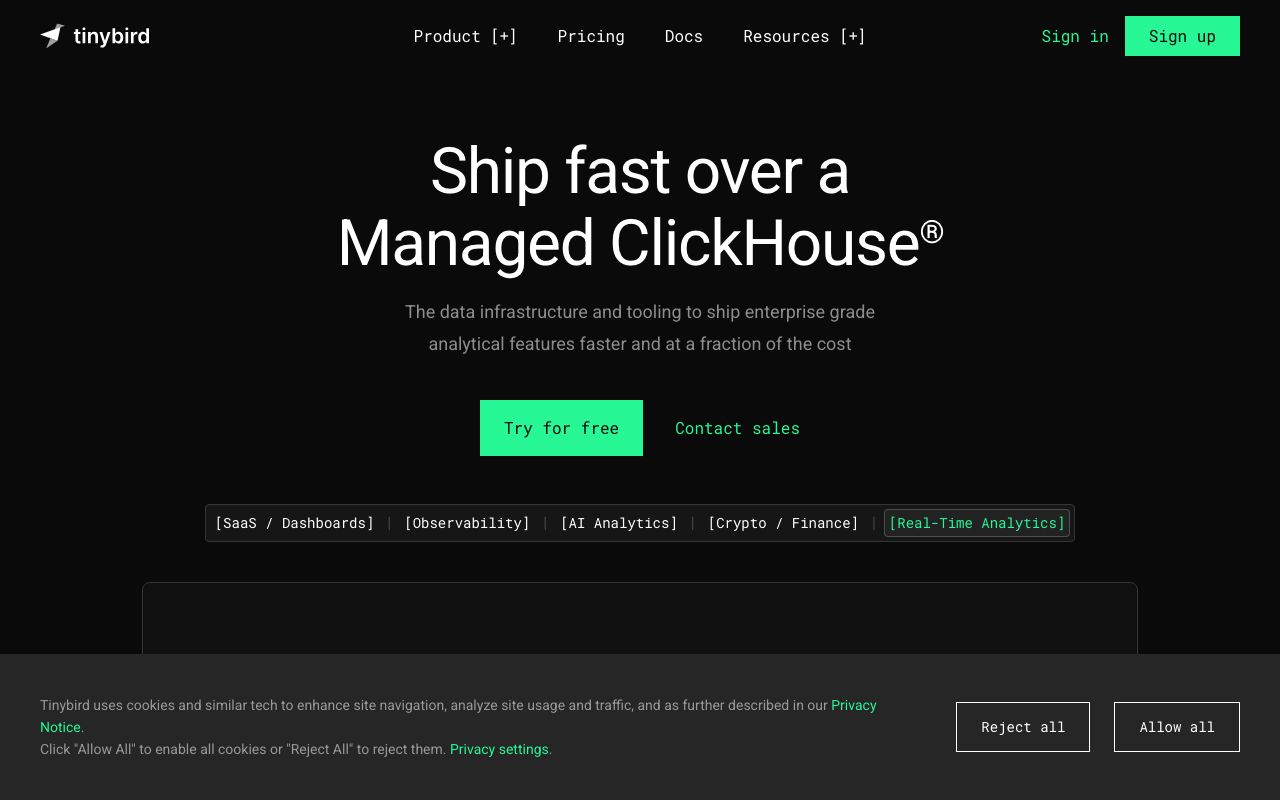
Tinybird is a real-time data platform for data engineers. A vivid green accent on deep indigo-navy surfaces creates a technical but approachable environment. The design emphasises query interfaces, pipeline graphs, and API endpoint management.
Key Characteristics:
- Green on deep indigo-navy — technical and premium
- SQL and API as first-class UI elements
- IBM Plex Mono for data engineering credibility
- Always dark — the product is for night-owl data engineers
2. Color Palette & Roles
Primary
- Brand Green (
#27C486): CTAs, active states, run actions - Green Dark (
#1FA070): Hover state
Accent Colors
- Yellow (
#F5C518): Warnings, slow-query indicators
Neutral Scale
- Text Primary (
#E8E8F0): Headings, body - Text Secondary (
#A1A1B5): Labels, metadata - Text Muted (
#5E5E7A): Placeholders
Surface & Borders
- Background (
#1A1A2E): App background - Surface (
#292942): Cards, editors - Surface Raised (
#33334F): Input fields - Border (
#40405C): Dividers
Semantic / Status
- Success (
#27C486): Published pipes, healthy (uses brand green) - Error (
#FF5757): Failed queries, broken pipes - Warning (
#F5C518): Slow queries, approaching limits
3. Typography Rules
Font Family
Primary: Inter, fallback: system-ui, sans-serif. Code: IBM Plex Mono
Hierarchy
| Role | Font | Size | Weight | Line Height | Letter Spacing | Notes |
|---|---|---|---|---|---|---|
| H1 | Inter | 32px | 700 | 1.2 | -0.01em | Page titles |
| H2 | Inter | 22px | 600 | 1.3 | 0 | Section headings |
| H3 | Inter | 17px | 600 | 1.4 | 0 | Card titles |
| Body | Inter | 14px | 400 | 1.6 | 0 | UI body |
| Small | Inter | 12px | 400 | 1.5 | 0 | Labels, meta |
| Code | IBM Plex Mono | 14px | 400 | 1.6 | 0 | SQL, API paths |
Principles
- IBM Plex Mono is the identity typeface — use it for all code
- Keep UI text at 14px; never go below 12px
4. Component Stylings
Buttons
- Primary: bg
#27C486, text#1A1A2E, padding9px 18px, radius6px, font 14px/600 - Secondary: bg
transparent, border1px solid #40405C, text#E8E8F0 - Danger: bg
#FF5757, text#FFFFFF
Cards & Containers
- bg
#292942, border1px solid #40405C, radius8px, padding20px
Inputs & Forms
- bg
#33334F, border1px solid #40405C, radius6px, padding9px 14px, text#E8E8F0 - Focus: border
#27C486
Navigation
- Left sidebar
#1A1A2E, 240px - Top nav
#1A1A2E, 56px, border-bottom#292942
5. Layout Principles
Spacing System
- 4px — Icon gaps
- 8px — Node spacing in pipe graph
- 12px — Editor padding
- 16px — Card padding
- 20px — Card content
- 24px — Section gaps
- 32px — Panel separation
- 48px — Page sections
Grid & Container
- Max width 1280px. Sidebar 240px + fluid main. Pipe graph: full width.
Whitespace Philosophy
Data pipelines need visual space to show node relationships clearly.
Border Radius Scale
- None (0px): Code editor
- Sm (4px): Status badges
- Md (6px): Buttons, inputs
- Lg (8px): Cards, pipeline nodes
- Full (9999px): Status dots
6. Depth & Elevation
| Level | Treatment | Use |
|---|---|---|
| Flat | none | Background |
| Raised | 0 0 0 1px rgba(255,255,255,0.05) | Cards |
| Overlay | 0 4px 16px rgba(0,0,0,0.5) | Dropdowns |
| Modal | 0 8px 32px rgba(0,0,0,0.6) | Dialogs |
7. Do's and Don'ts
Do
- Use green for run and publish actions — it signals execution
- Show query performance metrics after every run
- Keep SQL editors wide — never constrain below 600px
Don't
- Don't use green for destructive or warning states
- Don't paginate query results — stream them with virtual scrolling
- Don't hide the pipe dependency graph
8. Responsive Behavior
Breakpoints
| Name | Width | Key Changes |
|---|---|---|
| Mobile | 0–767px | View-only, no editor |
| Tablet | 768–1023px | Collapsed sidebar |
| Desktop | 1024px+ | Full 3-panel layout |
Touch Targets
Minimum 44×44px. Pipeline nodes are 48×48px minimum.
Collapsing Strategy
Sidebar collapses to icon rail. Pipe graph scrolls horizontally on smaller screens.
9. Agent Prompt Guide
Quick Color Reference
- CTA / Run: Green (
#27C486) — text is dark (#1A1A2E) on green - Background: Deep indigo (
#1A1A2E) - Surface: Card indigo (
#292942) - Text:
#E8E8F0 - Border:
#40405C - Error: Red (
#FF5757)
Iteration Guide
- Green CTA text must be dark (
#1A1A2E) — the green is bright enough - IBM Plex Mono is non-negotiable for all code and API paths
- Cards are
#292942, one step lighter than the#1A1A2Ebg - Pipe/DAG graph nodes use card-level bg with green borders for active
- Never use a light theme — the product is dark-only